Azure Nuke
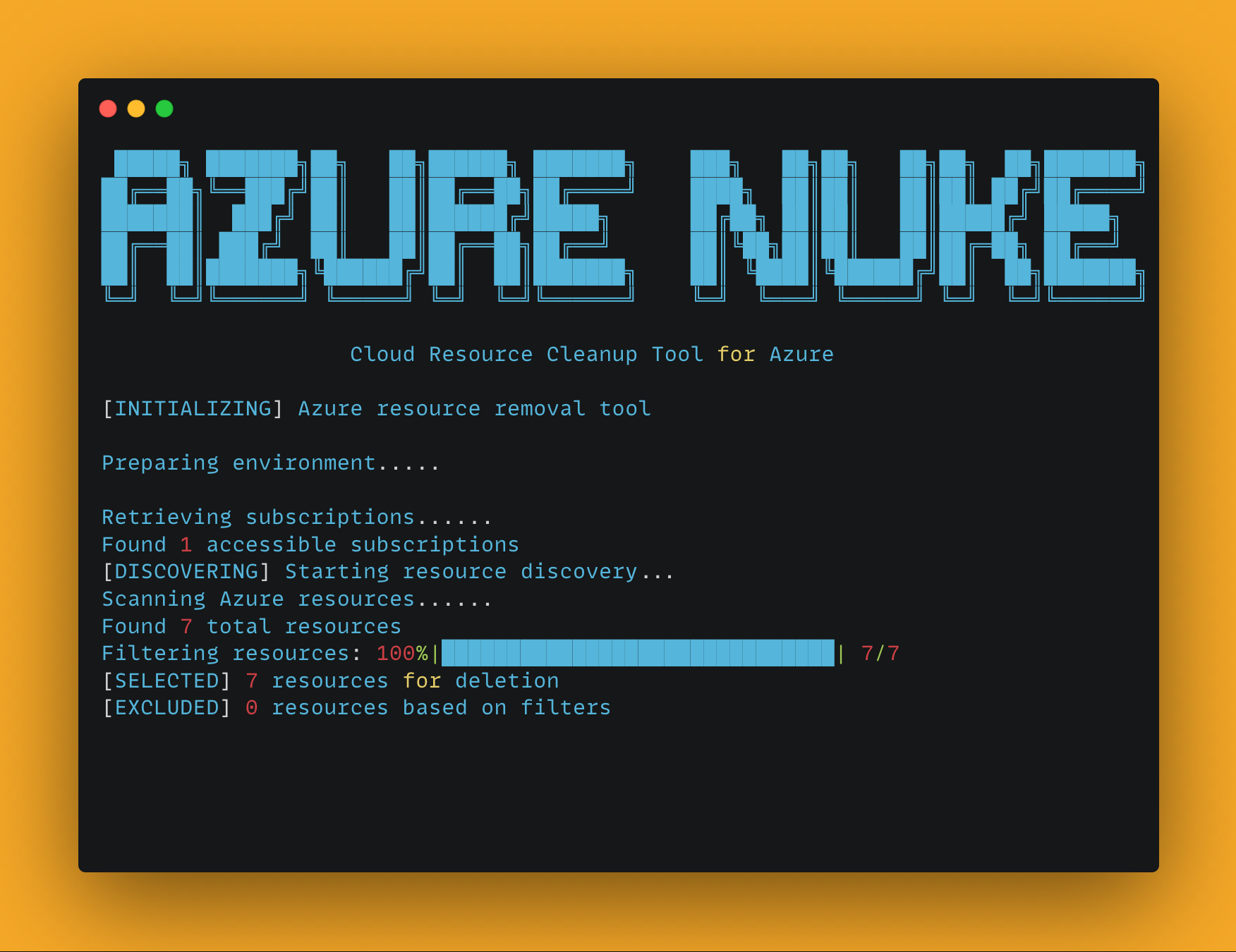
A powerful CLI tool for scanning and cleaning up Azure resources.
Features
- Comprehensive scanning of Azure resources across subscriptions
- Safe deletion with confirmation prompts and dry-run mode
- Flexible filtering by resource type, region, and more
- Exclusion system to protect critical infrastructure
- Beautiful ASCII art banners for a better command-line experience
- Color-coded output for easy identification of actions and results
Quick Start
Installation
Basic Usage
# Scan all resources
aznuke scan

# Delete resources with confirmation
aznuke delete

# Dry run (preview only)
aznuke delete --dry-run
Architecture
graph TD
    A[Azure Nuke CLI] --> B[Authentication]
    B --> C[Resource Discovery]
    C --> D[Filtering & Exclusions]
    D --> E[Safety Checks]
    E --> F[Resource Deletion]

    G[Configuration] --> D
    H[User Confirmation] --> F
Safety First
Azure Nuke is designed with safety as a priority:
- Dry-run mode to preview changes
- Exclusion system to protect critical resources
- Confirmation prompts before destructive actions
- Protected subscription support
- Comprehensive logging of all operations
Next Steps
- Installation Guide - Detailed installation instructions
- Usage Guide - Complete command reference
- Configuration - Setup exclusions and preferences